From Logic to Lifelong Skills
The skills your child is building in this challenge—problem-solving, pattern recognition, and logical thinking—are the same skills behind every platform, game, and innovation we use today.
If they enjoy this kind of thinking, coding could be their next big passion.
Limited-Time Offer! $10 Coding Class
Introduce valuable coding and computer science skills to your child at an unbelievable price!
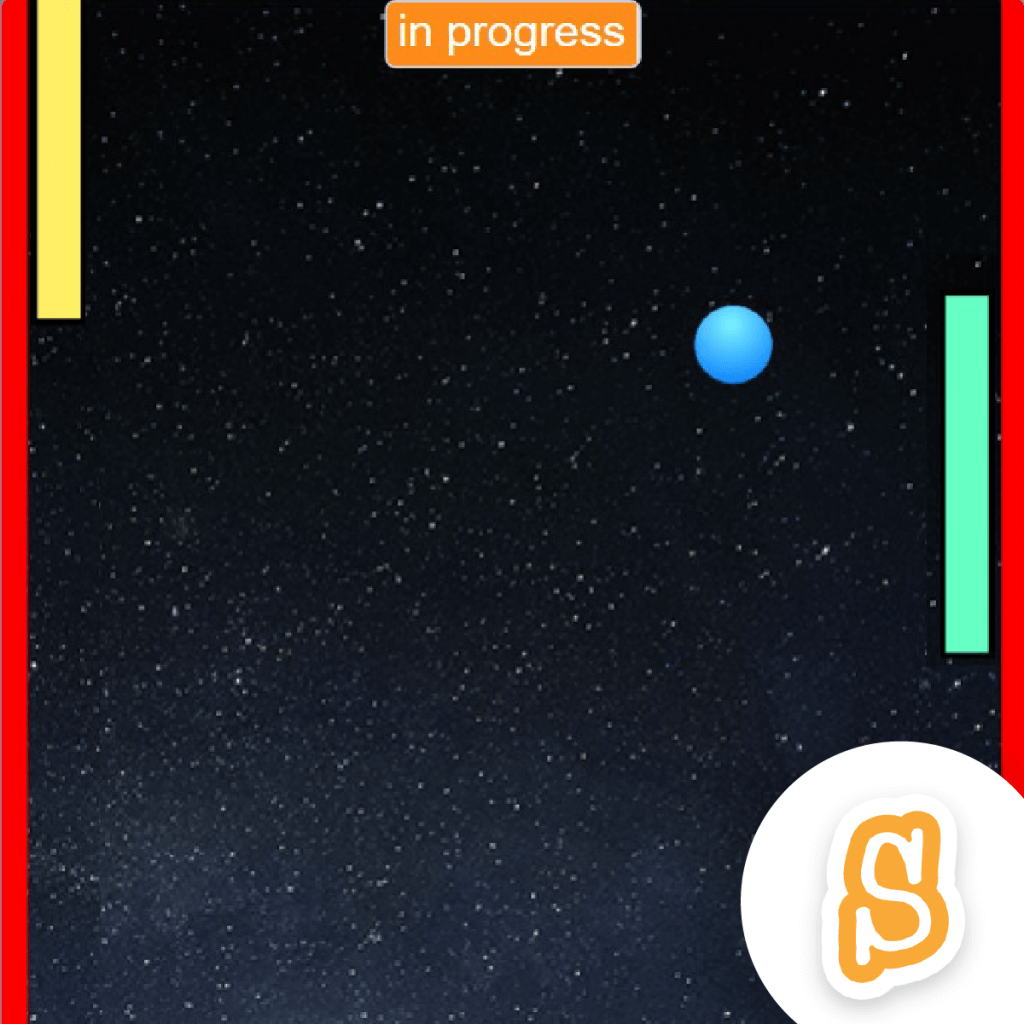
Scratch – Pong Game
Learn the fundamentals of Scratch while building a version of the classic arcade game “Pong”. Students will create custom animations, deal with event-driven programming, and experiment with fundamental programming concepts like variables, conditional statements, and loops.
Ages 8-10 (Elementary School Class)
- Learn to Code in Scratch
- Build an interactive Ping Pong Game (Pong)
- Beginner Friendly
- 1 hour
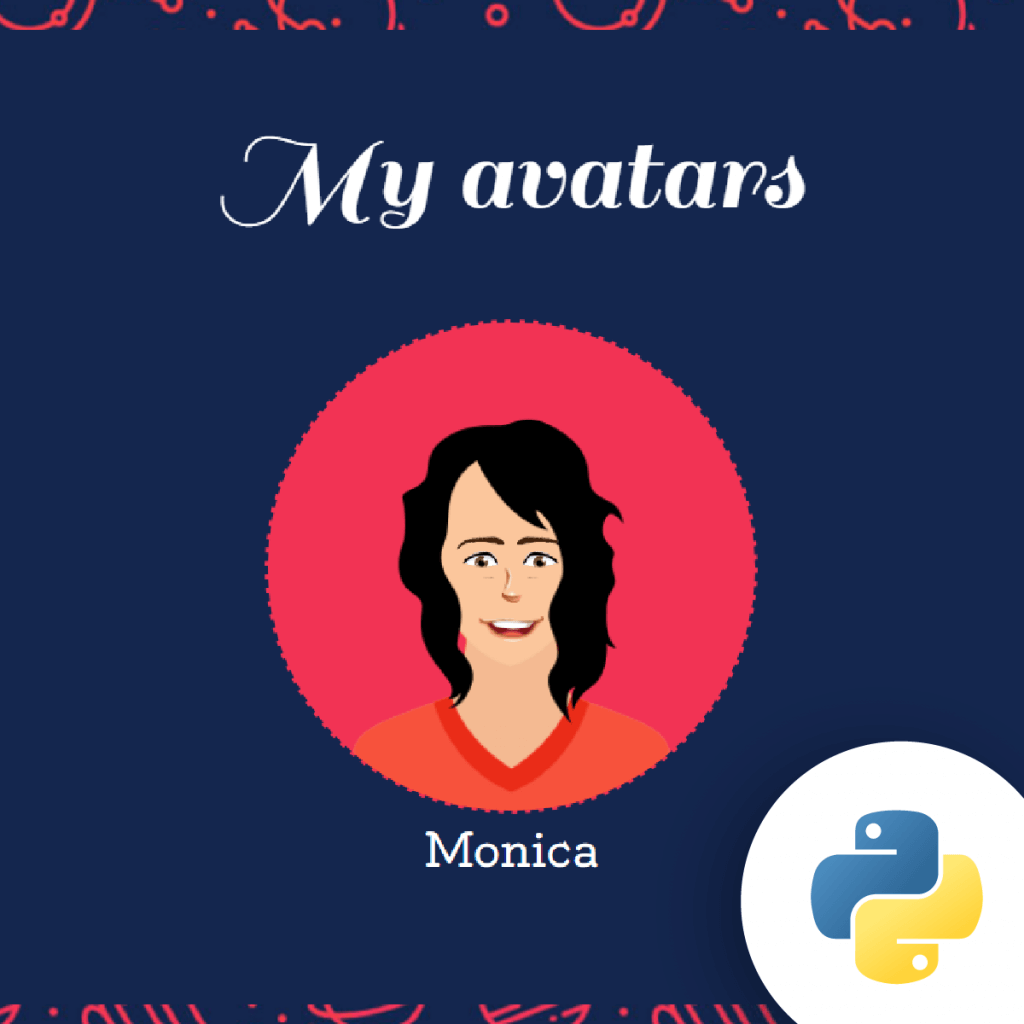
Python – Web Avatar Builder
Students learn programming fundamentals while building a customizable avatar in the Python programming language. While creating the avatar project, students are exposed to fundamental programming concepts like data types, variables, and functions.
Ages 11-13 (Middle School Class)
- Learn to Code in Python
- Build a Customized Web Avatar
- Beginner Friendly
- 1 hour
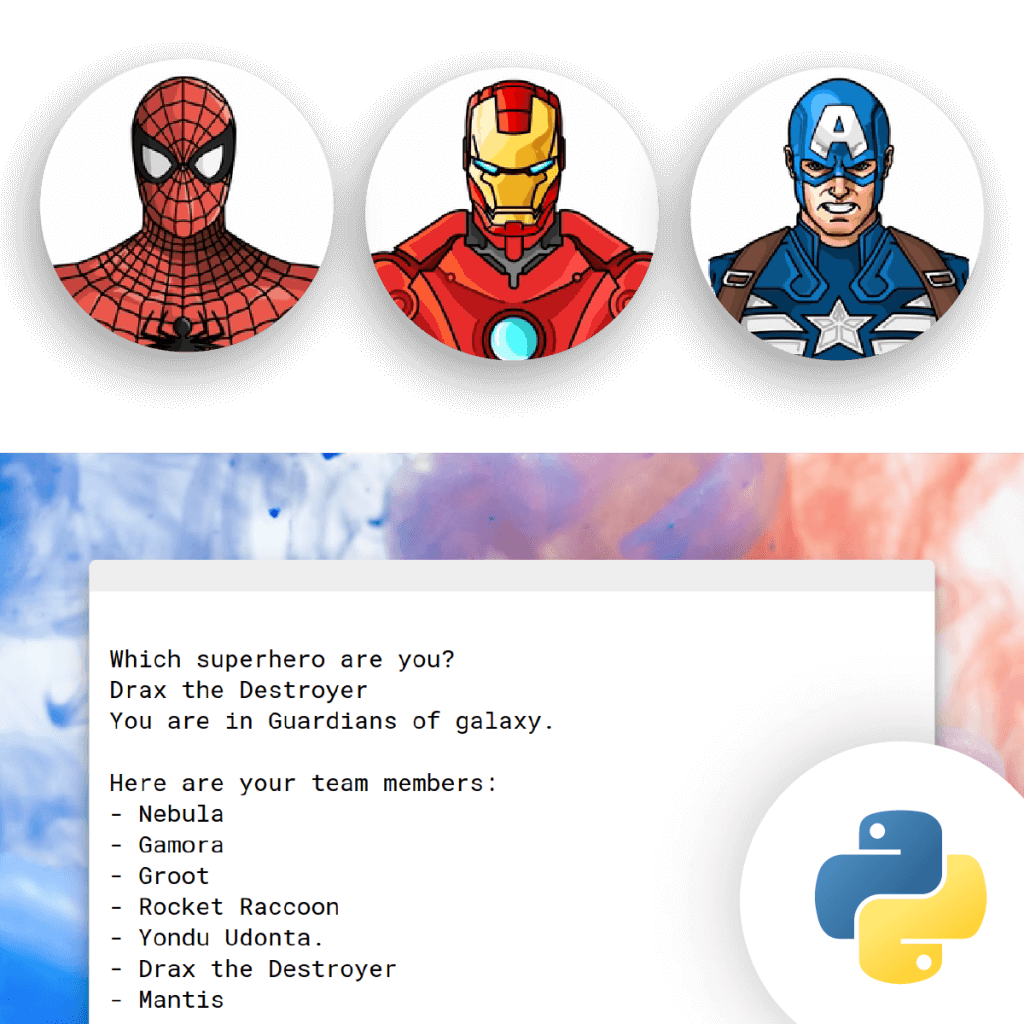
Python – Superhero Program
Learn programming fundamentals and basic Python syntax with a fun superhero-themed project. Students explore Python’s built-in functions and modules while learning coding concepts like conditional statements, looping, & more.
Ages 14-18 (High School Class)
- Learn to Code in Python
- Build an Interactive Which Superhero are You? Program
- Beginner Friendly
- 1 hour

$10 Coding Class Details
- 1-Hour Coding Classes
- Live, Teacher-Led Online Class
- Hands-On, Interactive Class
- Custom-Built Coding Platform
- Students Attend Class from Home
- Beginner Friendly, No Experience Needed
Questions? We Are Here to Help.
Easy answers to some common questions.
What technology do we need for class?
Students will be using our browser-based code editor to write real code. They don’t need to download or install special software.
You will need the following:
1) A computer with a keyboard, microphone, and speaker – almost all laptops bought within the last five years ago should have these. Chromebooks and iPads are not compatible with our platform.
2) A web browser installed, like Chrome (recommended) or Firefox, Safari, or Internet Explorer.; and
3) A reliable internet connection. Also, a headset is great so students can keep their hands free, but it isn’t required.
See full details on What Technology is Needed for Class.
Can students use tablets?
Unfortunately no. Because they will be writing typed-code and seeing their work in real-time, they need a computer or laptop with a separate keyboard.
Do you offer refunds?
All introductory classes are non-refundable. However, to accommodate unforeseen circumstances, we do allow up to one (1) convenience transfer to move a student to a different class when one is scheduled and available. To request a convenience transfer, please call CodeWizardsHQ at 1-800-213-2417.
What if my student already has experience coding?
Not a problem! These courses should still provide a fun exercise for your student as well as the opportunity to check out how our classes work.