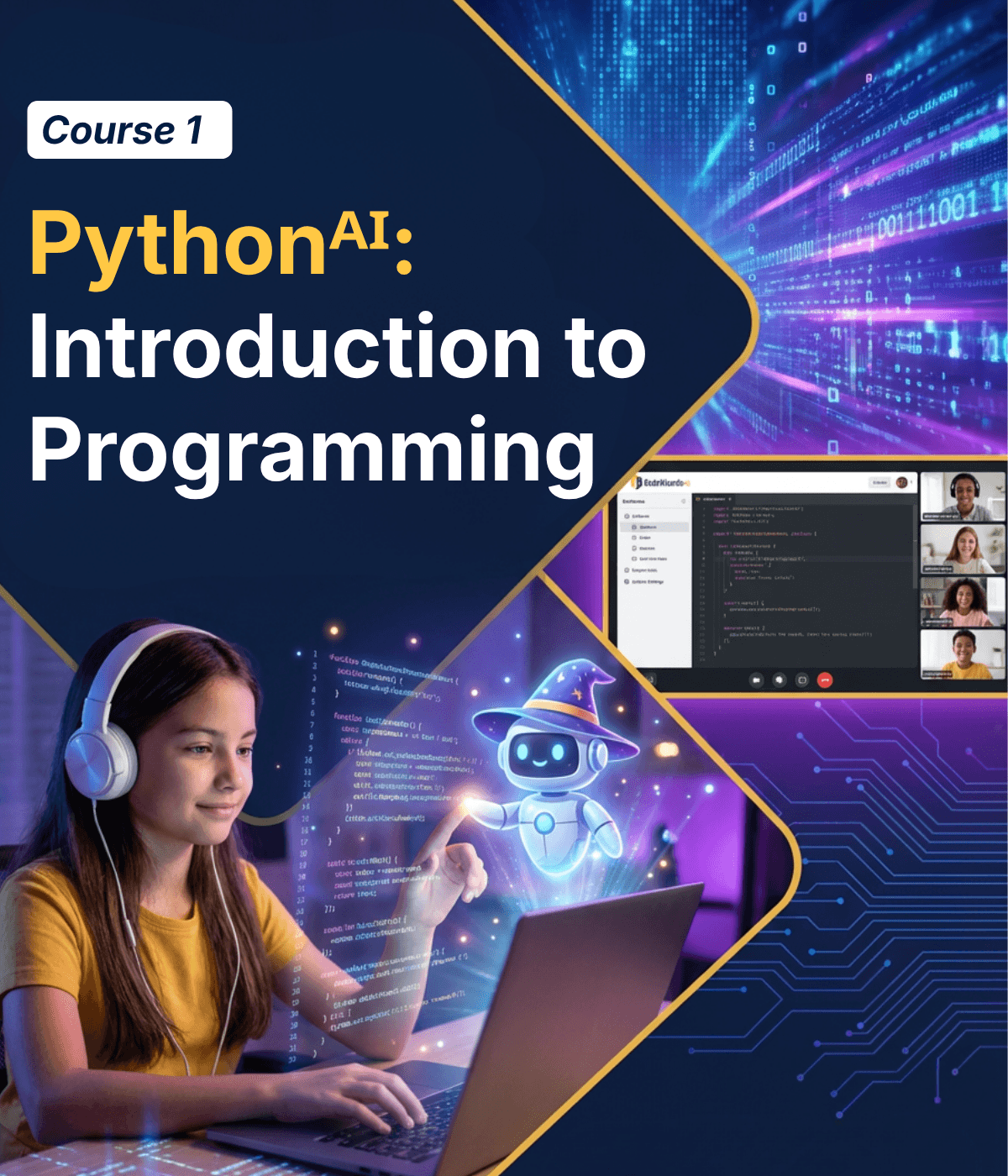
Course Description
Students are introduced to Python programming while also learning how to collaborate with AI. Students learn key concepts like variables, data types, logic, & loops while using AI to brainstorm ideas, generate content, & refine code. Through building hands-on projects—including quizzes, interactive programs, & games—students learn how human problem-solving and AI tools work together to build software and bring their own ideas to life. After completing this course, students are ready to move onto the second course in the AI Track Pythonᴬᴵ: Build Your Own AI
For ages 11-18
Learning Objectives
- 1 Apply variables, data types, logic, and loops to build working programs like quizzes, calculators, and interactive games.
- 2 Use prompt engineering, understand how AI models work, and identify mistakes or hallucinations in AI-generated responses.
- 3 Design and build their own interactive software projects by combining Python coding and AI-generated ideas

Prerequisites
No prerequisites for this course.
Beginners with no experience are welcome.
Course Lessons
Welcome to Coding in the Age of AI
The class opens with a bang — students shout out an app idea and the instructor uses AI to build it live in minutes. This sparks the question: “If AI can do that, why learn to code?” The answer unfolds through the lesson: coding is about thinking, and AI is a tool that still needs a human directing it. Students learn decomposition, assemble their first program, and use AI to polish their code.
Meet Your AI Partner
Students get hands-on with an AI assistant and learn what’s really happening behind the scenes. AI is a prediction machine, not a thinking machine. It generates the most likely next word based on patterns, over and over. To make this concrete, students build a mini prediction game where they try to guess the next word before revealing AI’s answer.
Print + Variables: Building blocks of Code
Students learn how programs talk to the world using print, and remember things using variables. To make it fun, they use AI to generate a short adventure story, then bring it into Python with character names, locations, and items stored as variables. Change a variable, and the whole story updates!
Data Types: Why Computers Are Picky
Students discover that computers treat numbers, text, and true/false values differently — and that mixing them up is one of the most common reasons code breaks silently. They use AI to generate a game character profile, then code it in Python, discovering firsthand what happens when types don’t match.
Math + Logic — Making Computers Calculate
Students unlock the calculator inside every computer. They learn arithmetic operators and how math can power dynamic programs—updating scores, calculating prices, and changing stats in real time. Using AI, they generate a themed storefront with items and prices, then write the Python code that powers a working shopping experience.

Customizing AI Code
Students learn the most practical AI-era skill: taking AI-generated code and modifying it to do what you want. They generate a small program, then make targeted changes — swapping values, tweaking logic, changing outputs — to reshape it into something new. This builds confidence that code isn’t fragile, and that understanding a few lines lets you control the whole program.
If/Else — Teaching Code to Make Decisions
Students learn that almost every useful program makes decisions based on conditions. They master if/else logic and use AI to help build something genuinely interactive, a personality quiz that asks questions and gives a custom result. AI generates the creative content; students write the decision logic that makes it work.
Loops — Making Computers Do the Boring Stuff
Students discover loops, the ability to repeat actions without repeating code. This is where programming starts to feel like a superpower: anything you can do once, you can do a million times instantly.

Lists — Working With Collections
Students learn to work with collections of data using lists. Real programs almost never deal with single values — they work with playlists, high scores, inventories, and search results. Students create, access, and modify lists as the foundation for handling real-world data.
Prompt Engineering 101 + User Input
Students master the art of getting great results from AI—not by asking it to write code, but by using it as a creative partner and content producer. They learn a framework for effective prompts and compete in a Prompt Battle. Students also learn input() so their programs can have real conversations with users.
Final Project — Part 1: The Adventure Begins
Students start building a text-based adventure game — the ultimate project that ties together every skill from the course. The game drops the player into a multi-room world where they explore, collect items, face challenges, and make choices that shape the outcome. Students use AI to generate the world, story, and descriptions, then code all the game logic themselves: navigation with if/else, a while loop to run the game, inventory with lists, and a health/score system with arithmetic.
Final Project — Part 2: Ship It + Demo Day
Students finish, polish, and present their adventure game to the class. They add more rooms, balance the difficulty, improve the story, and add finishing touches like ASCII art titles and dramatic endings. A finished game you can play is worth more than a perfect game that never ships. The lesson closes with each student demoing their game live — and the class actually playing each other’s creations.
Class Schedule
All students start in the first course, Pythonᴬᴵ: Introduction to Programming. Returning students can continue with the class where they left off.
- Returning Students

These Are Included With Every Course
Committed To Student Success!
- Daily Homework Help
- 1×1 Office Hours (Advanced Courses)
- Code Documentation
- Downloadable Lesson Slides
- Video Recordings of Class
- Weekly Progress Report & Alerts
- 24/7 Access to Our Coding Platform
- Supportive Online Student Forum
- Individual Course Certification
4 Session Money-Back Guarantee
One trial class is not enough to decide if a program is right for your child. We offer a 100% Money-Back Guarantee for four full sessions. Does not apply to summer camps.
- 4 Hours of Live Instruction
- 4 Class Projects & 8 Homework Projects
- Fully Unlocked Development Environment
- Access to All Beyond-the-classroom Support Including Live Homework Help

Start Your Child on Their AI Coding Journey!
Does my child need prior coding experience for this course?
No prior coding experience is required! This track is designed as an introduction to programming using Python. Students start with the fundamentals and gradually build more complex programs as they progress through the course.
How is AI used in this Track?
Students use AI as a tool to brainstorm ideas, generate content, and improve their code. They will also learn how AI systems work, how to prompt them effectively, and how to identify mistakes or hallucinations in AI-generated responses.
Will students still learn real coding if AI is involved?
Yes, absolutely! Foundational coding comes first. Students learn the core fundamentals of Python programming and write their own code throughout the course. AI is used as a tool to support creativity and problem-solving, but students are always responsible for understanding and building the logic behind their programs.
What kinds of projects will students build?
Students build hands-on projects throughout each course, including quizzes, calculators, web pages, and other interactive programs. As they progress through the track, they also create projects like knowledge bases, data dashboards, AI-powered chat applications, and machine learning models that make predictions from real data.
What will students be able to do after completing this course?
By the end of the course, students will understand the fundamentals of Python programming and how to work effectively with AI tools. They will be able to write their own programs, guide AI to improve their code, and build interactive projects from their ideas.
My child already knows Python. What should they do?
Your child knows Python, that’s great! They’ll love this course! They will still begin with the first course Python + AI: Learn to Code with AI because it teaches students how modern developers work with AI—how to guide it, evaluate its responses, and use it effectively when building software. This foundation prepares students for the next courses where they begin building their own AI and launching real applications.