Course Description
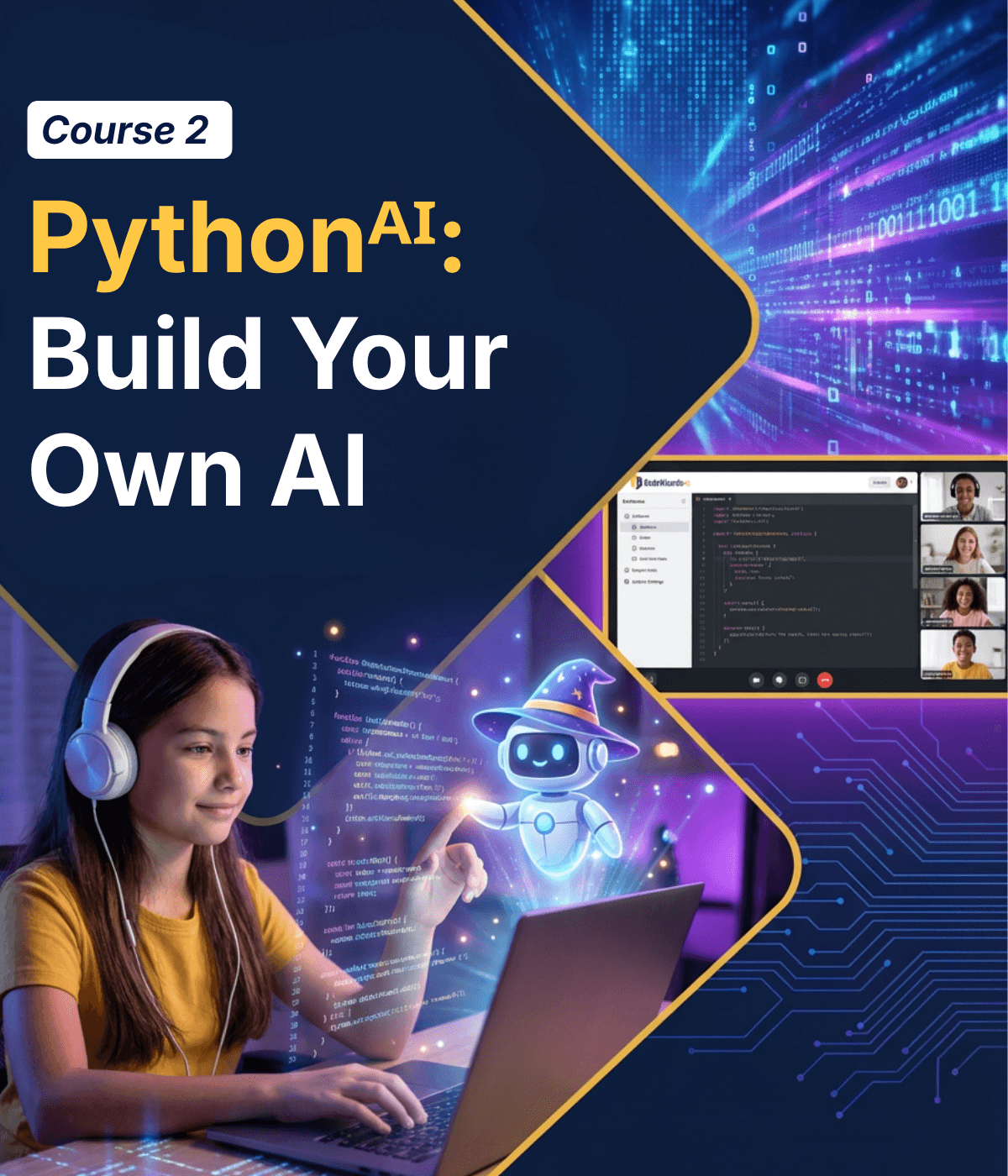
Students move from using AI tools to building their own. They go deeper into Python by learning dictionaries, functions, modules, and string processing while ultimately training their own machine learning model that makes predictions on real data. Along the way, students explore how AI systems actually learn from examples, why models can fail when training data is biased, and how developers build safer and more responsible AI systems. Through projects like knowledge bases, data dashboards, text analyzers, and smart predictors, students begin to see how real-world AI applications are built. After completing this course, students are ready to move onto the third course in the AI Track Pythonᴬᴵ: Build AI-Powered Web Apps
For ages 11-18
Learning Objectives
- 1 Apply dictionaries, functions, modules, and string processing to build organized, reusable, and scalable Python programs.
- 2 Understand how AI models are trained, tested, and improved using real datasets and Python machine learning libraries.
- 3 Combine Python programming, machine learning, and AI concepts to create smart assistants that can process info and make predictions.

Prerequisites
These courses must be completed before taking Pythonᴬᴵ: Build Your Own AI
- Course 1: Pythonᴬᴵ: Introduction to Programming
Course Lessons
Building Your First AI
Students train their own image classifier using Google’s Teachable Machine. They collect training data through their webcam, hit train, and watch their AI recognize objects in real time. They discover that when their training data is missing certain examples, their AI fails badly. Biased data makes biased AI. This sets the vision for the whole course.
Dictionaries — Giving Data Structure
Students learn dictionaries — Python’s way of organizing data with meaningful labels instead of numbered positions. Instead of remembering that item [0] is a name and item [1] is an age, they can just ask for data[“name”]. They build a knowledge base and discover this is exactly how real AI chatbots store the information they look up when answering questions.
Looping Through Collections
Students learn to iterate through lists and dictionaries — processing every item automatically. This is how real programs handle data at scale: go through every student in a class, every song in a playlist, every pixel in an image. They combine this with AI-generated datasets to build something that feels like real data analysis.

Functions — Building Reusable Tools
Students learn to package their code into reusable functions — named blocks they can call whenever they need them. This makes programs organized, readable, and powerful. They also discover that this is exactly how AI agents work: when you ask an AI to “search the web” or “set a timer,” it’s calling a function — just like the ones students write in this lesson.
Functions — Arguments and Return Values
Students level up their functions to accept inputs and send back outputs. This is the input → process → output pattern that powers every app and AI service in the world. When you upload a photo and get back “this is a cat,” that’s a function: image goes in, answer comes out.
Modules and Libraries — Standing on Giants’ Shoulders
Students learn import — the key that unlocks Python’s massive ecosystem. They discover that professional developers don’t build everything from scratch; they use libraries that other people have already built and tested. Students explore built-in modules, install their first external package, and use a beginner-friendly data library to process a real dataset.
Exception Handling and Prompt Injections
Students learn that real programs crash — and good programmers plan for it. They master try/except to handle errors gracefully instead of letting the program blow up. On the AI side, they discover prompt injection: how cleverly worded inputs can trick AI into ignoring its rules. They attack an AI prompt, then build defenses against it — thinking like both a hacker and a security engineer.
Strings and Tokens
Students master Python’s string methods — the same operations that power every text-processing AI. They learn to slice, search, replace, and format text, then discover tokenization: the very first thing every AI language model does when it receives your message. AI doesn’t read words like you do — it breaks them into pieces called tokens.
Machine Learning — Teaching Computers to Learn
The big reveal: machine learning is not magic. It’s just teaching a computer to find patterns in data — the same way students already think about if/else logic, but automated. Students learn what it means to train a model on examples, and use scikit-learn to build a decision tree: an AI that learns its own if/else rules from data instead of having a human write them.
Machine Learning — Building a Smart Predictor
Students apply everything from Lesson 9 to build something they can actually show off: a predictor that takes real input and makes a useful guess. They go through the full ML workflow — choosing a question, preparing data, training a model, testing it, and improving it. They discover that most of the work in ML isn’t the code — it’s choosing good data and asking the right question.
Final Project — Part 1: myGPT
Students begin building a Smart Assistant — a Python application that combines every skill from the course. The assistant understands user commands, looks up information from a knowledge base, performs actions through functions, processes text intelligently, handles errors without crashing, and uses a trained ML model to make predictions. It’s the ultimate project: everything they’ve learned, in one application.
Final Project — Part 2: Ship It + Demo Day
Students finish, polish, and present their Smart Assistants to the class. They add more commands, improve responses, expand the knowledge base, and add personality. The class then tries each other’s assistants live. The course closes with the full arc: in Lesson 1, they trained AI by clicking buttons. Now they’ve built an intelligent application from scratch.
Class Schedule
All students start in the first course, Pythonᴬᴵ: Introduction to Programming. Returning students can continue with the class where they left off.
- New Students
- Returning Students
| Start Date | Course | Class Pace | Seats Available | |
|---|---|---|---|---|

|
||||
The Most Complete Coding Program For Kids!
Program Benefits:
- Interactive Live Classes
- Structured and Comprehensive Curriculum
- Daily Homework Help
- Hands-on, Project Based Learning
- 1×1 Office Hours (Advanced Courses)
- Downloadable Slides for Every Class
- Video Recordings of Every Class
- Weekly Progress Report & Alerts
- Highly Qualified and Experienced Teachers
- Individual Course Certification
- 24/7 Access to Proprietary Coding Platform
- Supportive Online Student Community
4 Session Money-Back Guarantee
One trial class is not enough to decide if a program is right for your child. We offer a 100% Money-Back Guarantee for four full sessions. Does not apply to summer camps.
- 4 Hours of Live Instruction
- 4 Class Projects & 8 Homework Projects
- Fully Unlocked Development Environment
- Access to All Beyond-the-classroom Support Including Live Homework Help
Start Your Child on Their AI Coding Journey!
Does my child need prior coding experience for this course?
No prior coding experience is required! This track is designed as an introduction to programming using Python. Students start with the fundamentals and gradually build more complex programs as they progress through the course.
How is AI used in this Track?
Students use AI as a tool to brainstorm ideas, generate content, and improve their code. They will also learn how AI systems work, how to prompt them effectively, and how to identify mistakes or hallucinations in AI-generated responses.
Will students still learn real coding if AI is involved?
Yes, absolutely! Foundational coding comes first. Students learn the core fundamentals of Python programming and write their own code throughout the course. AI is used as a tool to support creativity and problem-solving, but students are always responsible for understanding and building the logic behind their programs.
What kinds of projects will students build?
Students build hands-on projects throughout each course, including quizzes, calculators, web pages, and other interactive programs. As they progress through the track, they also create projects like knowledge bases, data dashboards, AI-powered chat applications, and machine learning models that make predictions from real data.
What will students be able to do after completing this course?
By the end of the course, students will understand the fundamentals of Python programming and how to work effectively with AI tools. They will be able to write their own programs, guide AI to improve their code, and build interactive projects from their ideas.
My child already knows Python. What should they do?
Your child knows Python, that’s great! They’ll love this course! They will still begin with the first course Python + AI: Learn to Code with AI because it teaches students how modern developers work with AI—how to guide it, evaluate its responses, and use it effectively when building software. This foundation prepares students for the next courses where they begin building their own AI and launching real applications.