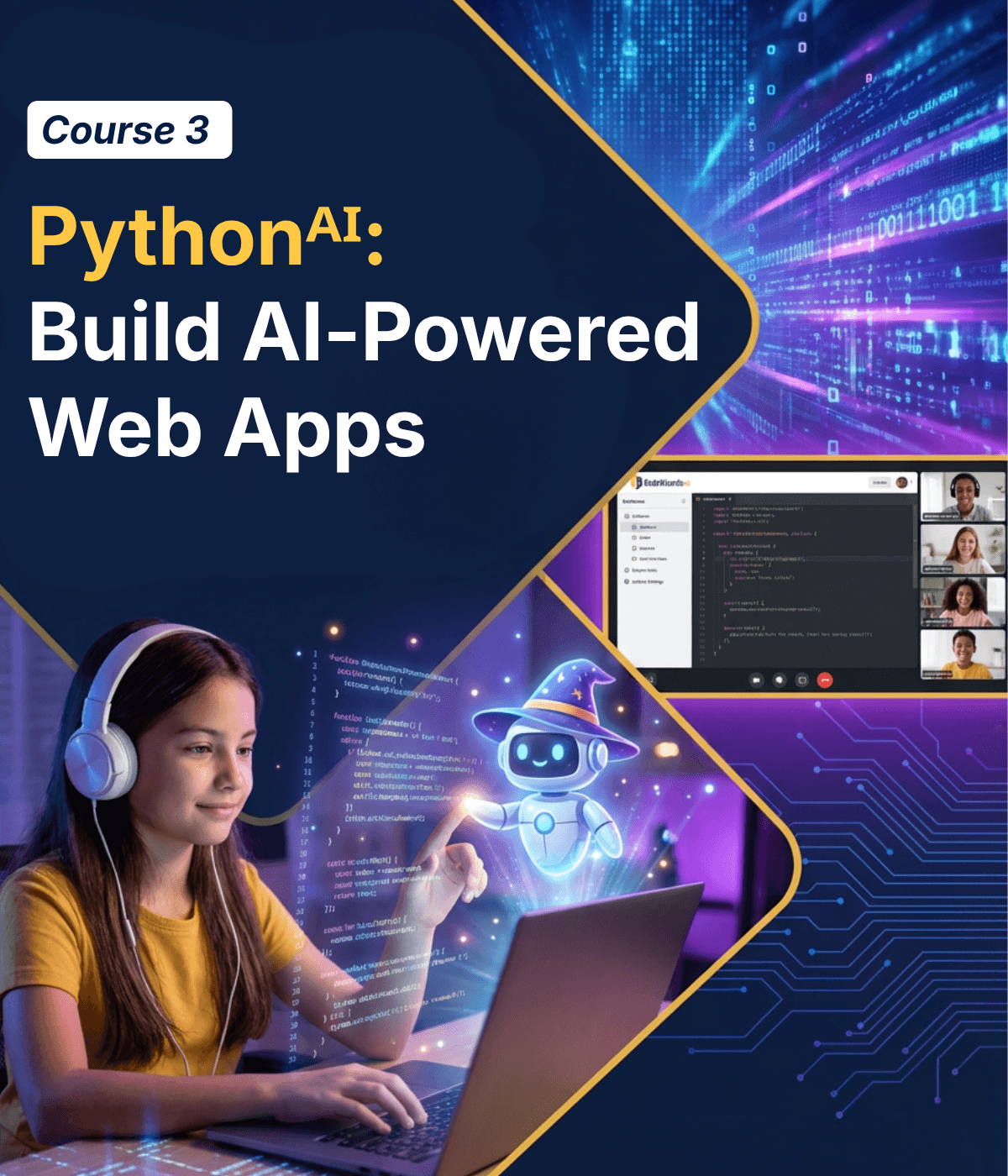
Course Description
Students learn web development by combining their Python skills with HTML and CSS. They build interactive web pages with layouts, images, forms, and user input while using AI to help design interfaces, generate content, and power features through APIs. Along the way, students discover how modern web applications connect front-end design with backend logic written in Python. They also learn how AI tools can assist with styling, debugging layouts, and integrating intelligent features into their applications. The course culminates with students designing and launching their own fully functional web application that others can open and interact with in a browser. After completing this course, students are ready to move onto the final course AI Track Capstone
For ages 11-18
Learning Objectives
- 1 Create structured web pages with layouts, images, forms, and user input that connect directly to Python-powered logic.
- 2 Understand how websites communicate with AI services to generate text, process data, and power intelligent features.
- 3 Combine web development, Python programming, and AI tools to build and present a web app that others can use in the browser.

Prerequisites
These courses must be completed before taking Pythonᴬᴵ: Build AI-Powered Web Apps
- Course 1: Pythonᴬᴵ: Introduction to Programming
- Course 2: Pythonᴬᴵ: Build Your Own AI
Course Lessons
Python Meets the Browser
Everything students have built so far runs in a terminal. This lesson blows the door open: they discover that Python can output directly into a web browser, with colors, fonts, and real layout. They get a crash course on how the web works (browsers, HTML, CSS) and see their first Python variable rendered on a real web page.
HTML Basics + Vibe Coding the Styles
Students learn the core HTML elements that make up every website: headings, paragraphs, images, video, and audio. They hand-write HTML to build a real page, then ask AI to make it beautiful. The lesson establishes the pattern: students build the structure, AI helps with the polish.
First CSS File + AI as Design Assistant
Students create their first external CSS file and discover how to control the look of their pages: colors, sizes, backgrounds, and shadows. They link CSS to HTML and watch their plain pages transform. AI generates a custom image for their page, and they style everything around it.
Containers and Layout + AI for Debugging
Students learn how to group elements into containers using divs and structure pages with layouts. This is where web pages stop looking like documents and start looking like apps. The big addition: data coming from Python code appears inside their layout — connecting the backend to the frontend for the first time. When things break, AI helps debug visually.
All About Text Styling
Students go deep on typography — the CSS properties that control how text looks and feels on a page. Font families, sizes, weights, spacing, alignment, decoration, and transformation. They style Python-generated text content and see how typography alone can completely change the mood of a page. No AI this lesson — students need to feel CSS in their fingers.
Classes, IDs, and Selectors — AI for Code Review
Students learn how CSS actually targets specific elements — the selection system that makes real styling possible. Without this, everything gets the same style. With classes, IDs, and selectors, students can style individual elements differently, create reusable style patterns, and build pages that look intentional instead of accidental.
Forms — Getting User Input on the Web
Students learn how web pages collect information from users: text fields, dropdowns, checkboxes, buttons. They build a real form, then ask AI to make it beautiful and add animations. The form doesn’t just look good — it collects data that will power the interactive features in the next lesson.
Events & Computer Vision
Students bring their pages to life with events: when a user clicks a button, submits a form, or interacts with the page, code runs in response. This is where everything connects — form data gets submitted, Python processes it, AI enhances it, and the result appears on screen. Students take their projects from course 2 and give them a real visual interface. The terminal is gone. The GUI is here.
Calling AI Through the Web — AI Integration
The big unlock: students learn what an API is and how web pages talk to AI services. They make their first API call from a web page, send data to an AI, and display the response right on screen. This is how every AI-powered website actually works — and now students can do it too.
Positioning — Placing Things Exactly Where You Want
Students learn CSS positioning — the system for placing elements exactly where they want on the page. Static, relative, absolute, fixed, and sticky. This is one of the trickiest parts of CSS, and students need to feel it through experimentation. No AI this lesson — just students, CSS, and a lot of moving things around until it clicks.
Final Project — Part 1: Homework Wizard
Students begin building a complete web application called “Homework Wizard” — a project that brings together every skill from the course. The app has a real HTML structure, CSS styling, form inputs, event handling, Python processing, and AI-powered features. It’s the full stack: what the user sees (HTML/CSS), what happens when they interact (events), and what runs behind the scenes (Python + AI).
Final Project — Part 2: Homework Wizard Ship It + Demo Day
Students finish, polish, and present their web apps to the class. They add pages, refine styling, improve the user experience, and add personality. The class then tries each other’s apps live in the browser. The course closes with the full arc: in course 1 they wrote Python in a terminal. In course 2 they built intelligent systems. Now they’ve built something anyone can open in a browser and use.
Class Schedule
All students start in the first course, Pythonᴬᴵ: Introduction to Programming. Returning students can continue with the class where they left off.
- New Students
- Returning Students
| Start Date | Course | Class Pace | Seats Available | |
|---|---|---|---|---|

|
||||
These Are Included With Every Course
Committed To Student Success!
- Daily Homework Help
- 1×1 Office Hours (Advanced Courses)
- Code Documentation
- Downloadable Lesson Slides
- Video Recordings of Class
- Weekly Progress Report & Alerts
- 24/7 Access to Our Coding Platform
- Supportive Online Student Forum
- Individual Course Certification
4 Session Money-Back Guarantee
One trial class is not enough to decide if a program is right for your child. We offer a 100% Money-Back Guarantee for four full sessions. Does not apply to summer camps.
- 4 Hours of Live Instruction
- 4 Class Projects & 8 Homework Projects
- Fully Unlocked Development Environment
- Access to All Beyond-the-classroom Support Including Live Homework Help

Start Your Child on Their AI Coding Journey!
Does my child need prior coding experience for this course?
No prior coding experience is required! This track is designed as an introduction to programming using Python. Students start with the fundamentals and gradually build more complex programs as they progress through the course.
How is AI used in this Track?
Students use AI as a tool to brainstorm ideas, generate content, and improve their code. They will also learn how AI systems work, how to prompt them effectively, and how to identify mistakes or hallucinations in AI-generated responses.
Will students still learn real coding if AI is involved?
Yes, absolutely! Foundational coding comes first. Students learn the core fundamentals of Python programming and write their own code throughout the course. AI is used as a tool to support creativity and problem-solving, but students are always responsible for understanding and building the logic behind their programs.
What kinds of projects will students build?
Students build hands-on projects throughout each course, including quizzes, calculators, web pages, and other interactive programs. As they progress through the track, they also create projects like knowledge bases, data dashboards, AI-powered chat applications, and machine learning models that make predictions from real data.
What will students be able to do after completing this course?
By the end of the course, students will understand the fundamentals of Python programming and how to work effectively with AI tools. They will be able to write their own programs, guide AI to improve their code, and build interactive projects from their ideas.
My child already knows Python. What should they do?
Your child knows Python, that’s great! They’ll love this course! They will still begin with the first course Python + AI: Learn to Code with AI because it teaches students how modern developers work with AI—how to guide it, evaluate its responses, and use it effectively when building software. This foundation prepares students for the next courses where they begin building their own AI and launching real applications.